HubSpot Prospecting Agent: Access, Costs and Your First Pilot
Check access, calculate pilot costs and control sending. Includes a budget calculator, our Free-account check and templates.
Updated · Sources and user reports
Posted by
 AI Sales Research Team
TL;DRPlan the pilot before scaling outreach.
Access first. Check account access before budgeting: our Free account opened a Starter upgrade screen, so Agent execution was unavailable.
Budget the full purchase. Estimate credits, subscription and services separately, including annual upfront payments and commitments beyond the pilot.
Review a small batch. Start with a small reviewed batch, record unsupported claims and compare total review effort with equivalent manual work.
The pilot steps are a proposed evaluation, not measured Agent performance.
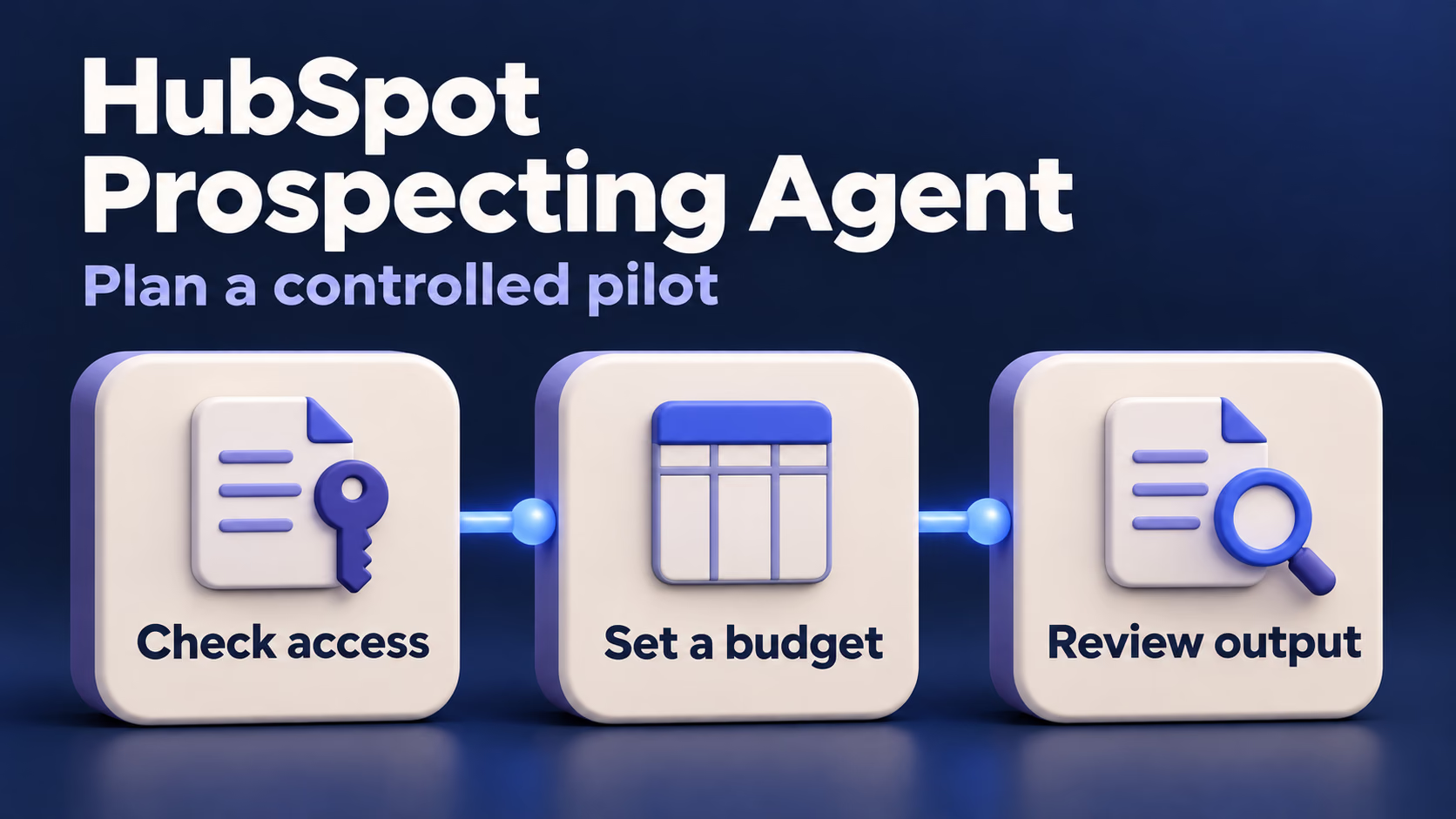
Find the right starting point for your team
Choose your starting point
Answer three questions to find the next useful step for your team.
Check access: open Sales → Prospecting Agent. If you see an upgrade screen or haven't checked, resolve access and the applicable pricing model before planning a run.
Check the records: use existing CRM contacts with verified context for a first follow-up pilot. If you need new people, confirm your contact source; if context is missing, prepare the records first.
Check the task: use the proposed pilot below to evaluate follow-up after a pause. If your problem is missing owners, next steps or deal records, start with CRM basics before adding another automated process.
Research checked November 19, 2026; dollar examples below use the standard USD credit model and stated assumptions.
What does HubSpot Prospecting Agent actually do?
The agent connects a reason to reach out with a contact and a proposed message, while your configuration determines how much happens automatically.
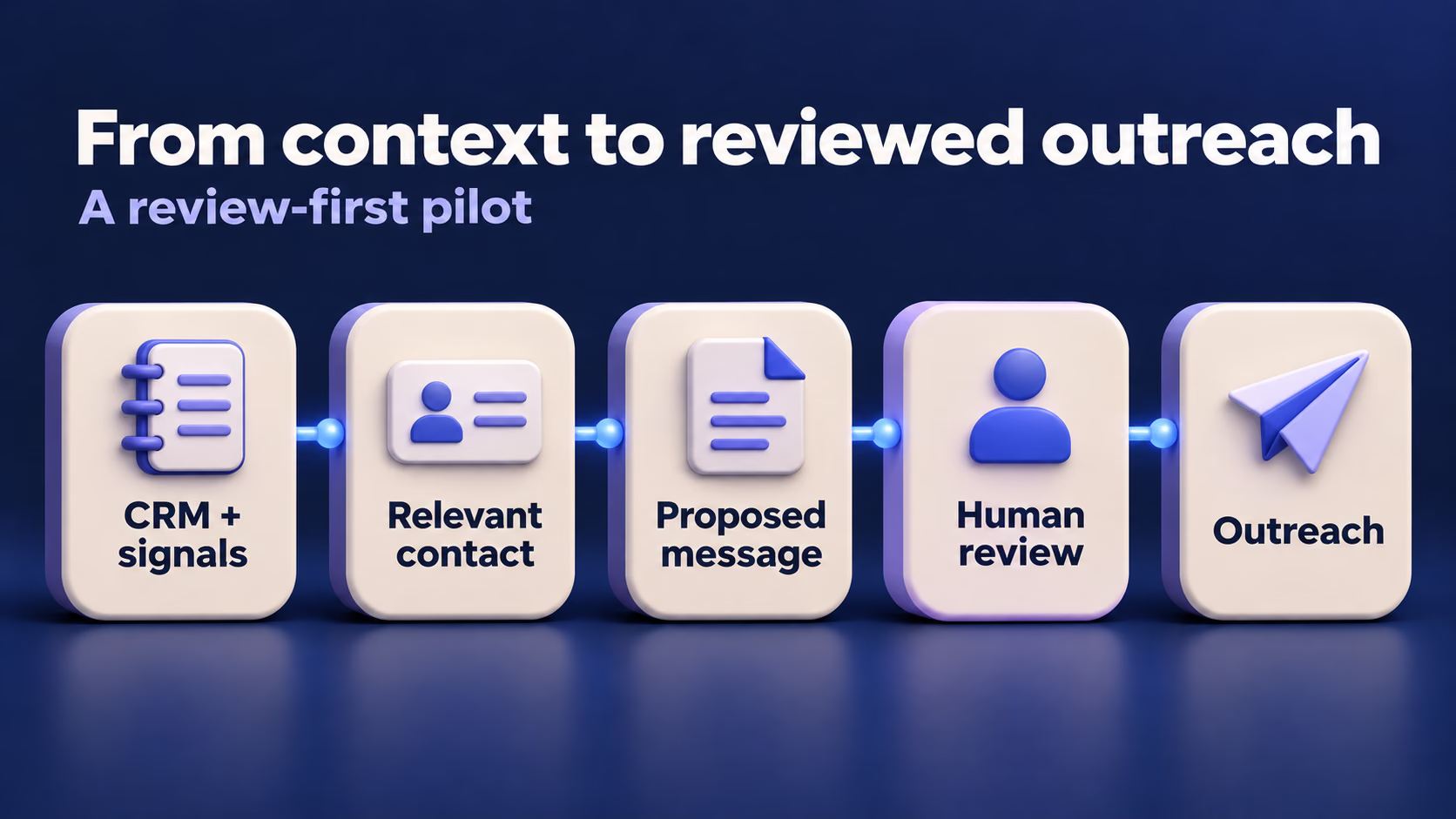
A play defines the audience, context and outreach approach. Play configuration. Think of a play as a repeatable sales task with boundaries: which people belong in it, what you can truthfully offer them and what the next step should be.
The important distinction is between having a contact and having a reason to contact that person now. A funding announcement, a change in research activity and an existing conversation describe different situations. HubSpot documents several signal categories, including company news, website activity and information from CRM conversations. CRM signals also depend on the necessary contact, company and deal associations. Signal types and requirements.
Start with a recognisable sales situation
For an existing lead, verify what you discussed and why another conversation would be useful. For a new company, check both company fit and the person's responsibility. For a customer or active opportunity, agree with the owner who should handle contact and define exclusions before starting.
HubSpot supports manual enrollment and automated routes such as selected form submissions, page visits, list membership and a chosen period without engagement. These routes determine how records enter a play; they don't establish whether the resulting message deserves approval. Enrollment documentation.
If your main problem is an unreliable pipeline or missing next steps, begin with the HubSpot CRM workflow and plan comparison. Adding an agent won't tell you which conflicting record your team intended to trust.
Can your account use it, and what will it cost?
Check the account's subscription, user access and pricing model before treating an advertised credit allowance as a usable prospecting budget.
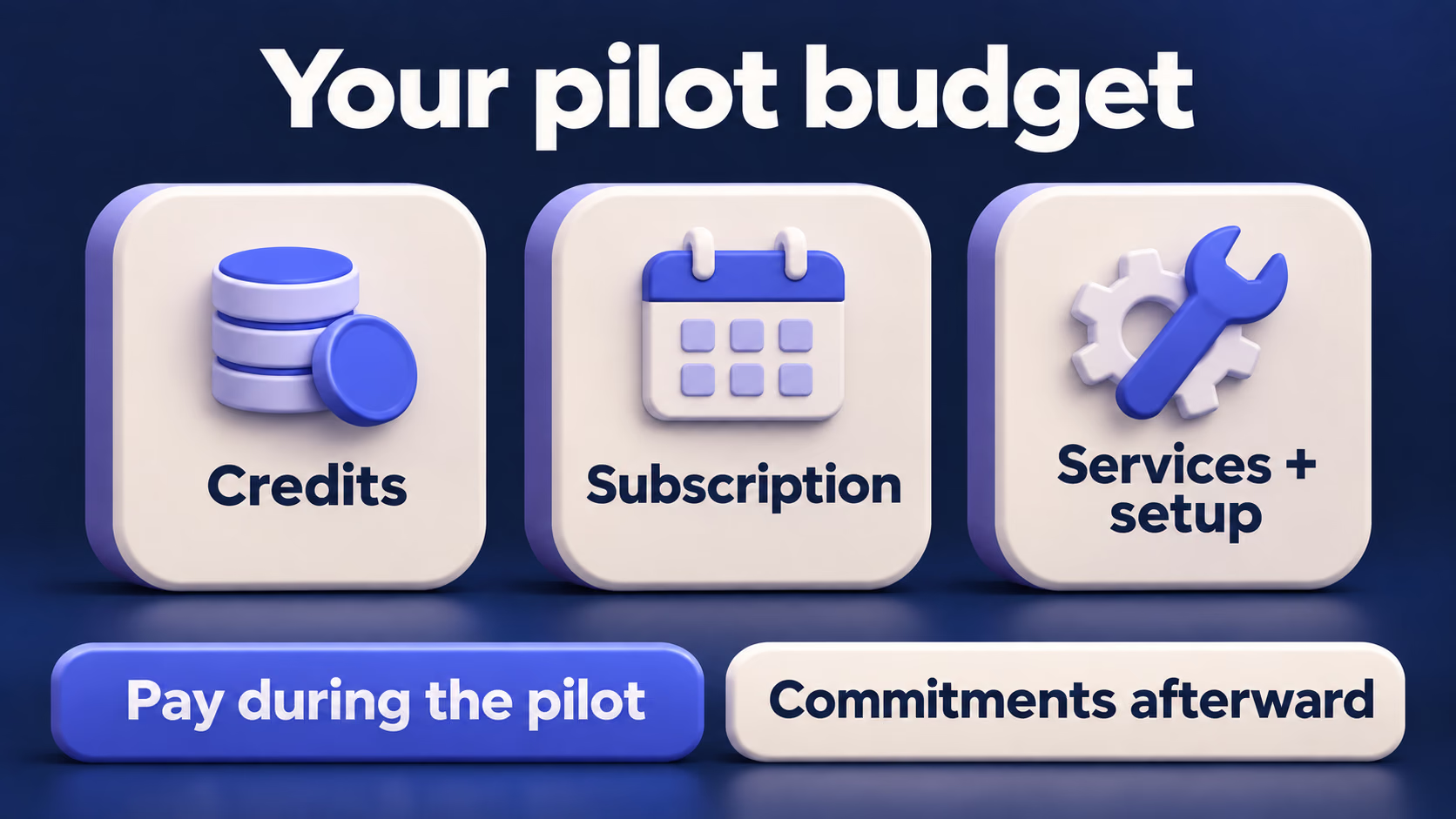
Access comes before the budget calculation
Current documentation includes eligible Starter subscriptions, subject to credits, permissions and feature-specific conditions. That means an old review saying the agent is restricted to Sales Hub Professional or Enterprise is an unsafe purchasing shortcut. Current access requirements.
The 14-day free-access offer has its own eligibility rules. HubSpot says it begins when an eligible account publishes its first play, doesn't consume Agent credits during that period, and turns the agent off when the period ends. Its requirements include a qualifying subscription, seat or legacy credit arrangement, no previous use of this offer, and the specified beta enrollment. A free CRM login alone doesn't establish eligibility. Free-access conditions.
Use this distinction when planning a demonstration: a temporary offer can let you evaluate an operation without showing what it will cost afterward. Record both the trial state and the normal consumption rule before drawing a budget conclusion.
Calculate your pilot budget
The standard catalog lists 100 credits for recommending outreach for one lead, with additional credits priced at $0.010 per credit. Those credits aren't a per-email price or a payment for a booked meeting. Other actions can add costs, and flexible seats-and-credits accounts have a separate rate sheet. Standard credit catalog.
Calculate your pilot budget
Estimate new payments for one monthly credit period. Already-paid subscriptions and credits stay outside new spending. If the pilot crosses a credit reset, calculate each period separately.
Interactive controls require JavaScript. Use the example below and the budget worksheet, and add your actual subscription and service payments.
Monthly equivalents and full HubSpot commitment
Reference amounts only; they are not added again to the pilot spending total.
Before tax and payment fees. Third-party renewals beyond the pilot are not estimated. This calculation neither confirms feature access nor changes your account’s spending limits.
Rates checked 2026-11-19: credit catalog, billing and rounding, flexible terms. Subscription and external-service amounts come from your quote.
| Illustrative batch | Assumed Agent actions | Credits at 100 each | Usage value at $0.010 per credit |
|---|---|---|---|
| Small preparation check | 5 | 500 | $5 |
| First controlled batch | 10 | 1,000 | $10 |
| Larger comparison batch | 25 | 2,500 | $25 |
Usage value isn't the same as a new payment. The interactive calculator estimates additional spending for one credit period, including subscription and service amounts you enter. Already-covered payments aren't counted again; annual upfront subscription payments are included in full. Unknown prices stay unresolved.
Standard pay-as-you-go requires prior purchase of additional credits, and account overages are rounded down to ten-credit increments. Capacity packs can remain contracted beyond the pilot, with a prorated first-period charge. The calculator keeps the first-period payment and entered commitment separate. Billing rules.
Custom signal usage is separate from Agent usage. Keep it on its own budget line so that changing a monitored audience doesn't silently change the meaning of your per-lead estimate. Agent signal settings.
Decide what should happen at the limit
Without purchased additional capacity, exhausted included credits pause usage-based features. After purchasing extra credits, the account's overage setting matters: pay-as-you-go and automatic capacity upgrades have different billing consequences. Set the account limit and the Agent-specific limit deliberately; a feature limit doesn't reserve part of the common pool. Credit controls.
Ask the billing owner to record the selected mode, reset date and available allowance beside the pilot budget. Our downloadable budget worksheet keeps those inputs separate. Accounts on flexible seats-and-credits pricing should use their applicable terms instead of importing this USD example unchanged.
How do you set up a play without losing control?
Begin with a narrowly defined audience, explicit exclusions and review before sending, then verify which sender and version each enrolled record will use.
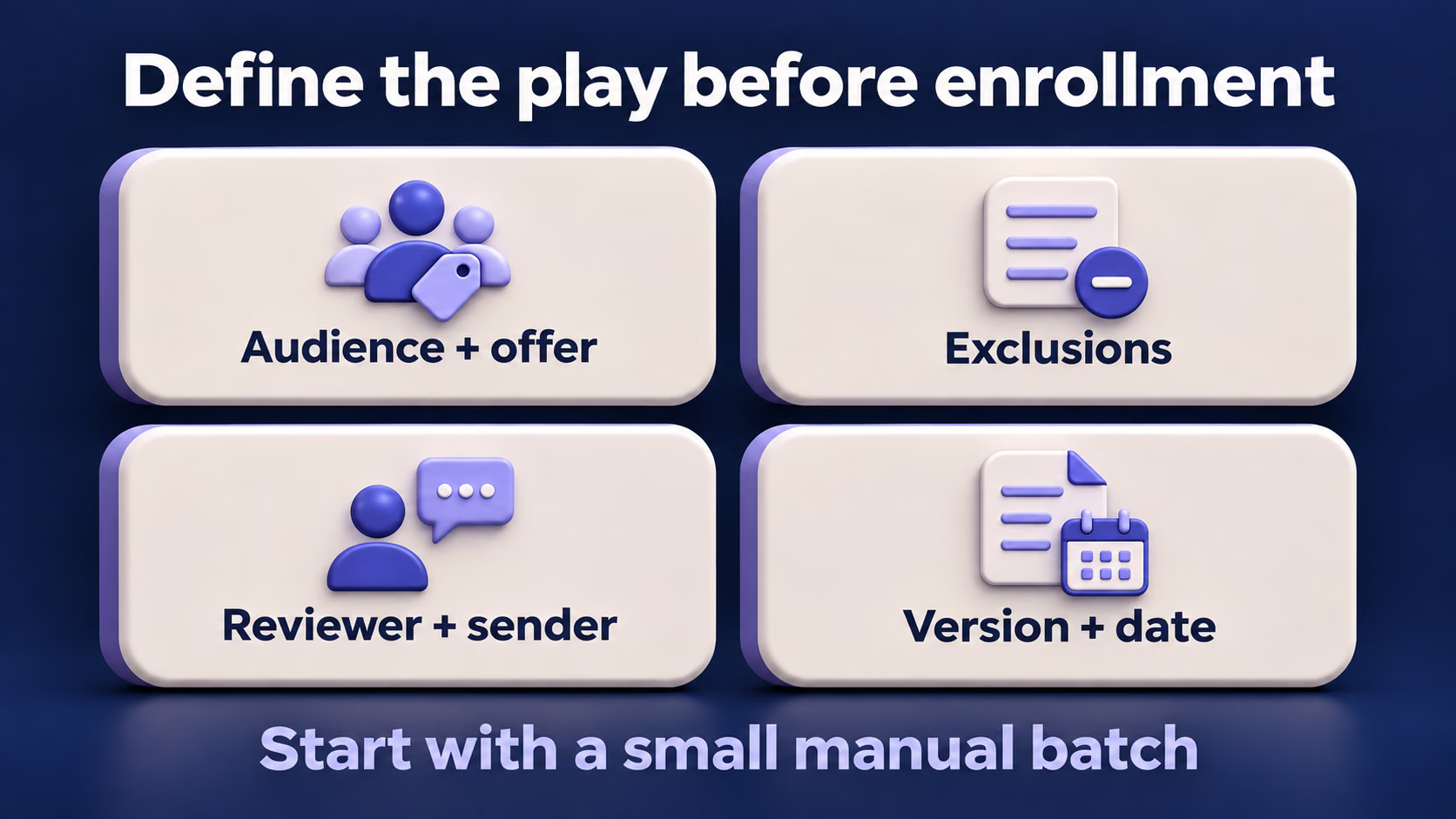
Copy a brief for returning to quiet leads
This proposed scenario follows up with existing leads who discussed a specific problem 30 to 90 days ago. Those dates are our example selection rule, not a HubSpot requirement. Choose five records to inspect before enrolling anyone, including the exception cases below.
Use this planning brief to prepare the relevant play fields. Replace every bracketed item with verified facts; the brief doesn't configure exclusions, sending or permissions by itself.
Purpose: Ask whether a previously discussed problem still needs attention.
Audience: [role] at [company type], with a verified conversation 30 to 90 days ago.
Offer: We help [audience] with [specific service or product].
Evidence: Use [dated CRM note or conversation] for each contact's stated problem.
Message: Mention only verified context and ask whether the problem is still relevant.
Next step: Offer [one appropriate next step] if the contact is interested.
Do not claim: A purchase decision, new budget, urgency or results that the record doesn't support.
Review owner: [named person who checks every proposed email].
You can also download the planning brief and fill it in with your team.
For example, a note saying “asked about duplicate contacts” supports asking whether that problem remains relevant. It doesn't support claiming that the company has decided to replace its CRM. This is an editorial example, not generated Agent output.
Keep approval and sending responsibility visible
Choose email review before sending and check the connected sender and fallback rules. Record the sender rule alongside the review choice so a missing owner doesn't turn into an unexplained message from another person. Automation and sender controls.
Before accepting a draft, verify the recipient, the source behind each personalised statement and the proposed next step. Record any correction beside its supporting evidence so another reviewer can understand your decision.
Exclude records before expanding enrollment
HubSpot provides exclusion segments for contacts the agent shouldn't source or reach out to. Include an explicitly excluded fictional record in your test set and check the actual behavior before adding real prospects. Reviewing a well-written draft alone doesn't test exclusion logic. Exclusion settings.
Use a small manual batch first, with automated enrollment left outside that initial test. This makes it easier to explain why each record entered the play. After validating it, evaluate a single trigger rather than enabling several triggers together and trying to reconstruct the cause of every enrollment.
Check the version, not just the latest settings
Play edits affect new enrollees; existing contacts retain their enrollment version. Keep the enrollment time and play version in your test log whenever you change instructions. Play editing behavior.
Compare records enrolled under the same instructions; otherwise, a version change can make a message comparison misleading.
What should a small HubSpot pilot prove?
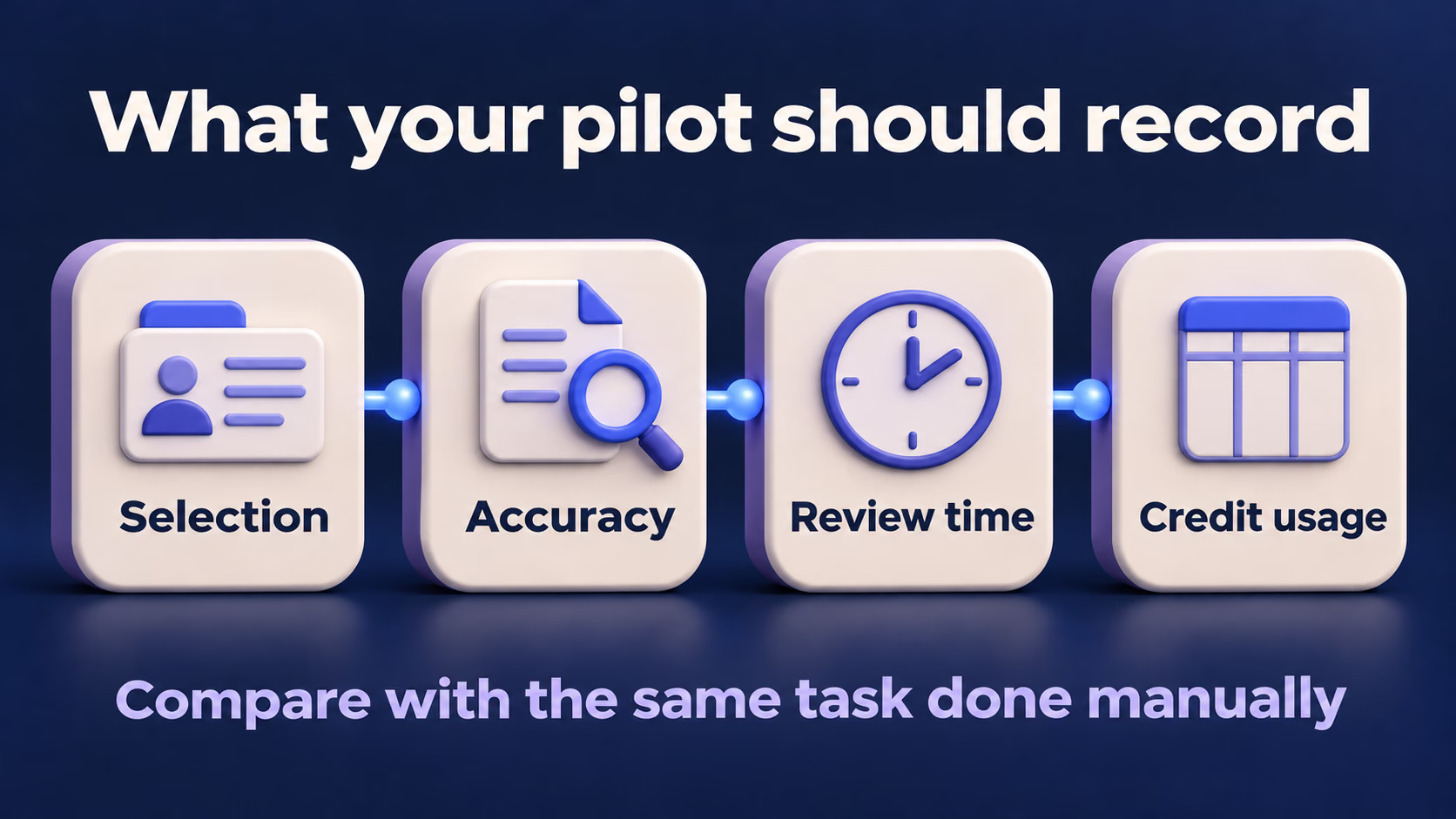
A small pilot should establish whether selection, message accuracy and review effort are acceptable within a known credit limit.
What happened in our own test account
On November 19, 2026, we signed into the Best AI for Sales account and checked its billing overview, which identified the plan as Free. Selecting Sales → Prospecting Agent opened an upgrade page offering Starter. The credit-usage page also presented an upgrade prompt, without a usable balance for this test.
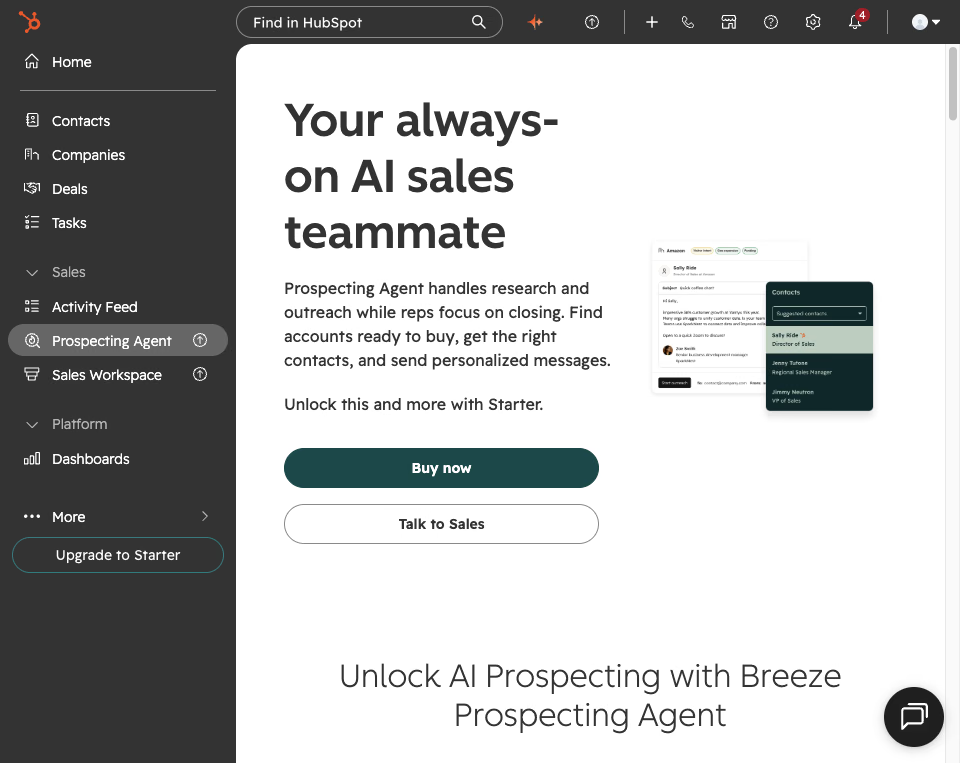
Our HubSpot account on November 19, 2026: selecting Prospecting Agent led to the Starter upgrade screen. The miniature product illustration belongs to HubSpot's upgrade page; it isn't output from our test.
| What we checked | What we observed | What it tells you |
|---|---|---|
| Account & Billing overview | Free plan | A working CRM login doesn't establish Agent access |
| Sales → Prospecting Agent | Starter upgrade screen | This account couldn't reach play configuration |
| HubSpot Credits | Upgrade prompt | We couldn't measure Agent credit consumption |
We didn't activate a paid plan, publish a play or send emails. This was an access check, so draft quality, exclusion behavior and cost per accepted draft remain untested. The steps below are a proposed evaluation for an eligible account, with empty result fields you can complete yourself.
Prepare five cases before the first batch
These are proposed control checks, with no completed results. For any enrollment exercise, use records and test inboxes you control, keep review enabled and leave automatic sending and broad enrollment outside this first pilot.
| Proposed case | Context to prepare | Expected review decision |
|---|---|---|
| Suitable quiet lead | Verified discussion 45 days ago; owner assigned | Check that the draft refers only to the recorded problem |
| Existing customer | Same fit, but included in your exclusion segment | Confirm that the exclusion prevents outreach |
| Open opportunity | Active deal and owner already managing contact | Keep outside this play under the agreed exclusion policy |
| Missing context | No reliable note about a prior conversation | Reject any invented conversation or need |
| Missing owner | Suitable context without an assigned contact owner | Check the actual fallback sender before accepting anything |
Start with the suitable case after confirming your budget and settings. Inspect the exceptions separately so an unexpected result has an identifiable cause. Fictional records can check controls, but they can't establish external-research quality or recipient response.
Before generating anything, record the relevant credit balance and expected action. Afterward, reconcile the balance change against the operation. If the account is in a free-access period, mark consumption as exempt for that period rather than reporting that the normal operation costs nothing.
| Check | Record in the log | A reason to pause expansion |
|---|---|---|
| Selection | Intended person, company and reason for inclusion | An excluded contact receives proposed outreach or the recipient is unrelated |
| Message accuracy | Claim, supporting evidence and necessary edit | A statement cannot be supported by the available evidence |
| Review effort | Minutes to check and revise each draft | Corrections take as long as preparing the message manually |
| Ownership | Intended sender and actual assignment | A fallback creates an unexpected sending identity |
| Consumption | Action, balance before and after, pricing model | Observed usage cannot be reconciled with the budget |
Download the pilot log, which includes these five cases and empty result fields. Record the outcome and evidence before deciding whether to try another batch.
Measure usefulness before measuring outcomes
Continue only when the exclusions and sender behave as intended, the accepted drafts contain supported claims, and usage fits the agreed budget. Pause for an unexpected recipient, an unsupported statement or a charge you can't explain; correct the cause and repeat that case before increasing volume.
Compare the total review and correction time, including rejected drafts, with preparing equivalent messages manually, and record setup time separately. Faster review supports another evaluation batch, but doesn't establish that the tool will produce more meetings or revenue.
HubSpot's performance view includes enrollment, delivery, engagement and meeting measures, plus the status of emails scheduled for the day. Those reports become useful after permitted sending begins. A preview-only check cannot produce evidence about replies or meetings. Performance reporting.
Investigate a failed case before adding volume
If a signal is missing, check the relevant records and relationships. The signal documentation explains that CRM signals require the contact, company and deal connection; a plausible conversation sitting on an unconnected record may not satisfy that requirement. CRM signal associations.
If another email appears after a change, inspect enrollment state, review settings and the version attached to the contact. If costs look wrong, separate Agent actions from other credit-consuming functions before dividing the entire account balance change by the number of drafts.
HubSpot states that Agent actions requiring credits cannot be completed in its sandbox accounts. An ordinary account used for testing and a HubSpot Sandbox are different environments, so confirm which one you have before planning the experiment. Environment limitation.
Should you keep Apollo alongside Prospecting Agent?
Keep a contact-data service when it performs a sourcing task your process still needs, and evaluate the Agent separately for selecting and preparing outreach inside HubSpot.
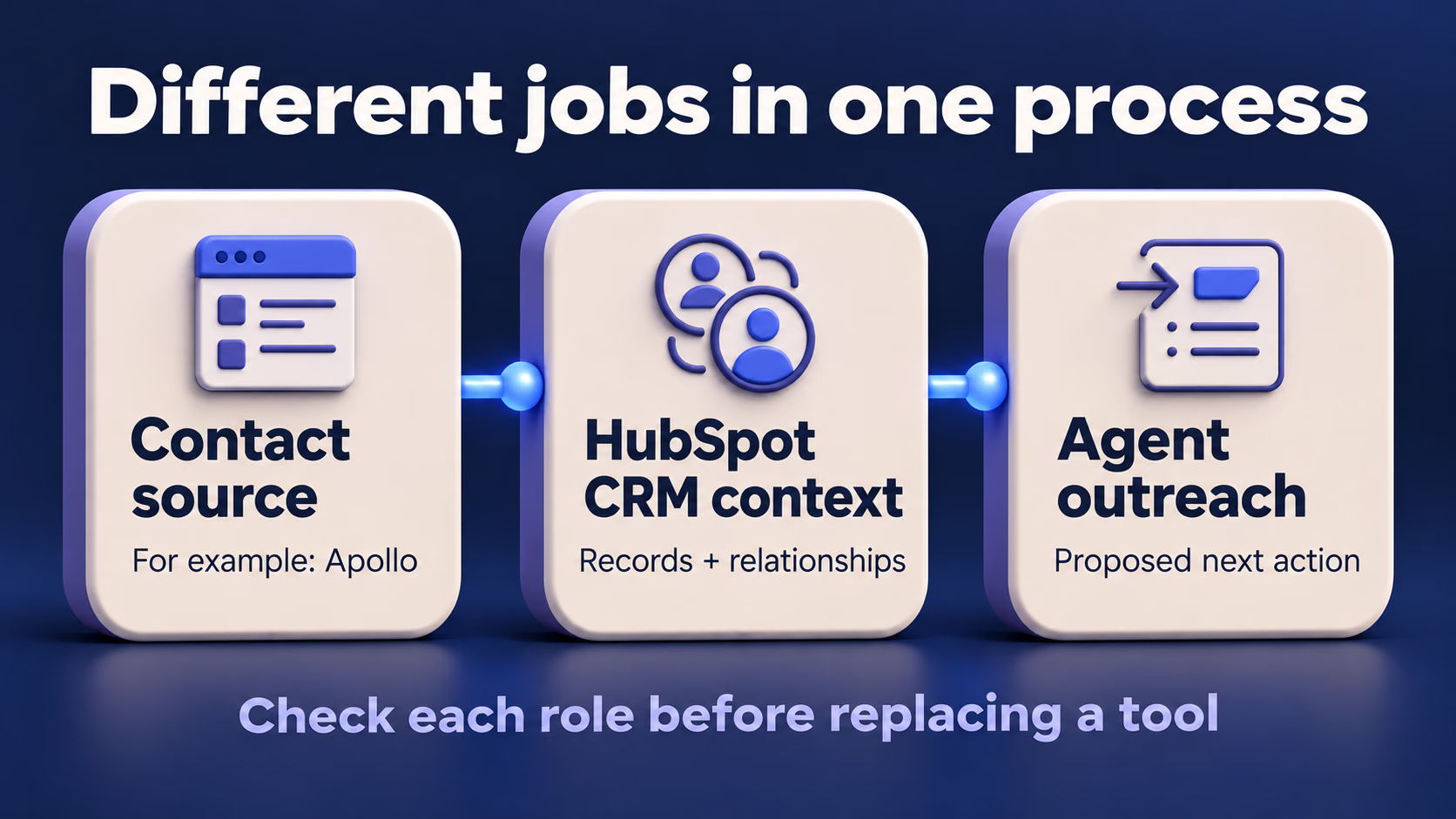
HubSpot's settings documentation includes connecting an external contact source, including Apollo, and permits one external source at a time. Existing and future plays then use the connected source. That supports evaluating a combined process; it doesn't establish that every Apollo capability, record or allowance transfers into the agent. Contact-source settings.
Write down the job each product performs before cancelling anything: where contacts originate, where the team maintains the relationship, where messages are prepared and who checks the next action. Use our Apollo vs HubSpot comparison for the broader purchase decision and the CRM integration guide for records and activities that need checking.
What should you check before your first pilot?
Confirm access, the billed action and review responsibility first; the common questions below help you resolve those conditions.
Is HubSpot Prospecting Agent free with a free CRM account?
Don't assume free CRM access includes the Agent. The documented free-access offer has paid-subscription or legacy-credit eligibility conditions and is temporary; verify the offer shown in your account before relying on it. Trial eligibility.
Does HubSpot Prospecting Agent charge for each email?
The standard catalog names a recommendation for one lead as its base billed action. Use that unit for your estimate, then reconcile actual actions and any separate charges; multiplying the number of emails by a guessed per-email rate produces a different model. Rate sheet.
Can I approve outreach before it sends?
Yes, review is an available automation choice. Verify your selection before enrolling contacts. Review controls.
Is this the same as a sequence or workflow?
Treat them as different parts of your process. A play instructs the Agent's approach, while enrollment can also use workflow actions; understanding how records enter and leave each process matters more than grouping every feature under “automation”. Our sales automation guide helps you define triggers, outputs and stopping conditions. Enrollment routes.
Will a good preview prove that it books meetings?
A preview can support a conclusion about the draft you inspected, but meetings require a separate, permitted sending experiment. Keep draft acceptance, delivery, replies and qualified meetings as separate measures so an improvement in one isn't presented as improvement in all of them.
Your next step
Open the Agent page and confirm that your account supports the operation you want to test. Then record the credit rule, choose a small audience and name the person who will review its output. If any of those remain unclear, resolve them before broadening enrollment.
Use the budget worksheet and pilot log to make the result reviewable by someone else on your team. A useful decision is specific: which task worked, which condition failed and what further evidence would justify the next batch.
Sources checked November 19, 2026
Want to contribute?
Share your AI sales implementation story with our community